Concerto Site Updates: Trademark Policy and Graphics

Interested in using the Concerto logo or name for another website, application, or publication?  We’ve added the Concerto Trademark Policy to our website.  This policy clarifies the usage of the Concerto identity and brand.  Check it out and let us know if you have any questions or comments about the policy!

In addition, we’ve added a new page to the site covering Logos and Graphics.  Here you can download PDF and PNG versions of our official project logo, in blue (the default colorset), black, and white (for cases where the logo appears above colored backgrounds).  We’ll be adding more information to both pages over the coming weeks, but we hope they are helpful to the Concerto community right from the start.

Frontend v2

As part of Concerto 2 we are completely rewriting the front end of the system, overhauling the JavaScript that powers the screens to be significant better structured so it’s easier to maintain, extend, and just play around with.  There will probably be fewer inappropriate comments as well (though we haven’t yet started to work on the automatic text-resizing problem yet… no promises).

Right now we’re developing the new front end using Google’s Closure Library, which will let us reap the benefits of well-structured object oriented JavaScript and minify really well using the Closure Compiler.  There isn’t as much documentation out there for the library as there are for many other tools like jQuery, Coffeescript, or Backbone.js but I was quite satisfied with the results when I used it for another project.  It seems to provide strong interfaces to lots of HTML5 components that we’d like to take advantage of as we push towards having offline capabilities and more interactive screen experiences.

If you’re curious about the technical details, the core of the frontend is a 5 layer cake.  I can’t draw a picture of a cake, but I can describe it in words.  At the bottom we have the Screen, which is really just used to encapsulate the whole process in one object and provide a standard connection interface to talk back to the Concerto server.  On top of the Screen we draw a Template, which right now consists of a huge image background (perhaps it could be HTML-based in the future) and bunch of Positions.  Each position represents one block on the screen, you see them in the backend when you’re previewing templates that show where your content will go.  Positions have a location to be shown and some styles, but most importantly they have a Field.  A field is where the Content ends up getting fetched, rendered, and transitioned into place.  They do most of the heavy lifting after the initial HTML scaffolding is setup.

To recap: Screen > Template > Positions > Field > Content.

In Concerto 1 there isn’t really any sort of layered cake in use, it’s much more like a fruitcake.  You can kind of see the different bits and pieces if you look really hard, but it’s mainly one big monolithic structure.

What does this mean besides a lot of extra files to manage when you’re working on the frontend?  Well for starters it let me refactor the code base to support what we call “mini screens” in about 20 minutes.  A mini screen is just that, a small screen that doesn’t take over the entire window.  You can see one when you visit http://concerto.rpi.edu right on the homepage, but in V1 that shares a completely different codebase (with an included memory leak for IE users) than the actual screen frontend.  Not so in Concerto 2, you can have a lot of screens on the same page without any additional work.
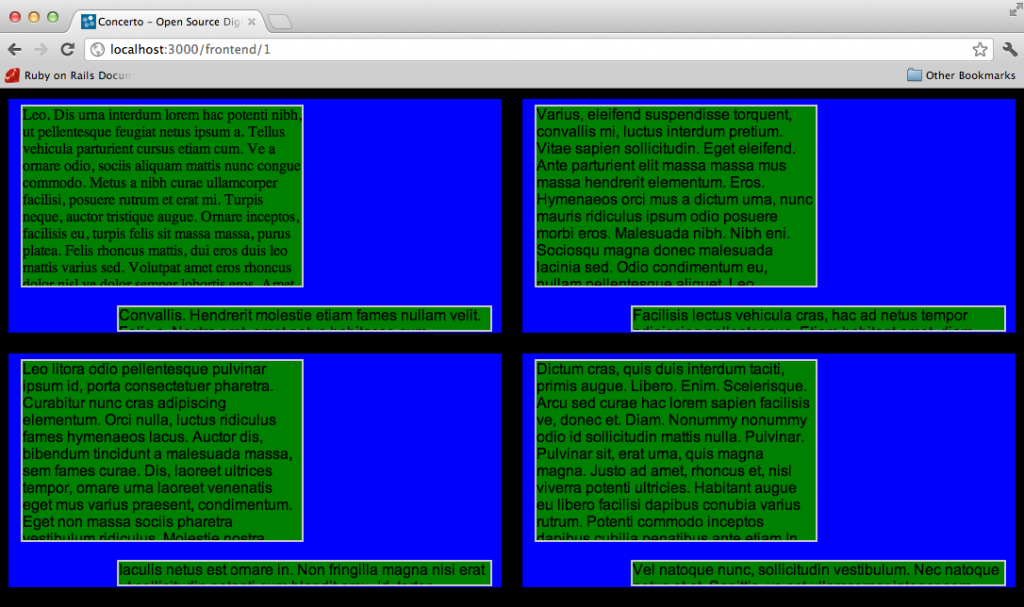
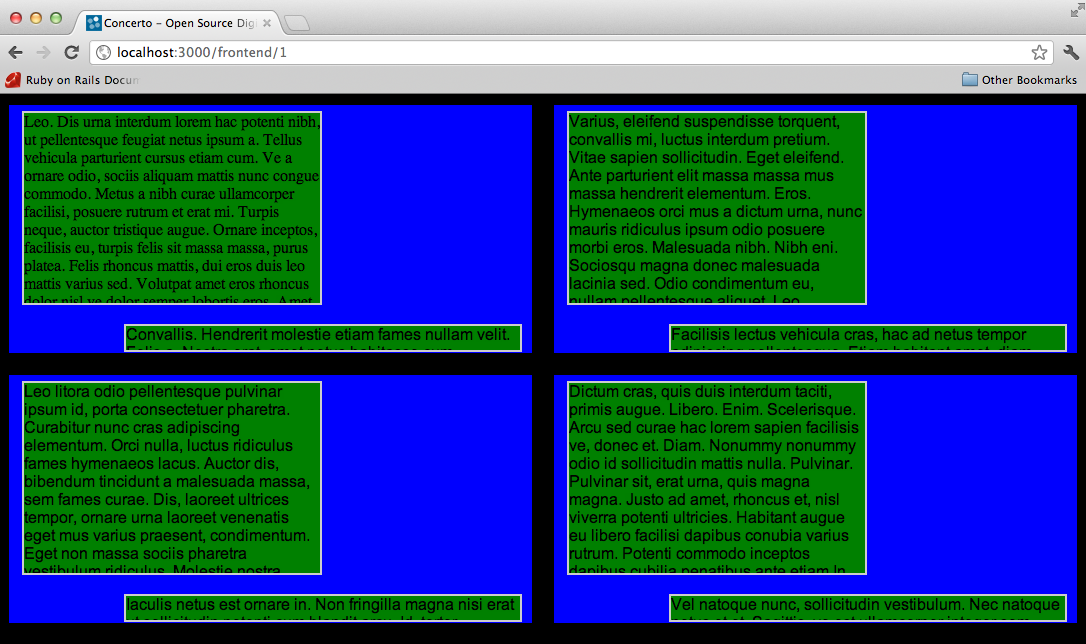
Four screens rendered in the same browser. Pretend the blue is the background and the green are fields.

Concerto 2 on Github

We’ve decided to use Github Issues to track Concerto 2 development.  We’ll be using the issue tracker and milestone system on our Concerto 2 Issues page to log all defects that are found with the software as we continue to develop, and also to plan out and share strategic objectives of our Concerto 2 roadmap.  We hope that by organizing everything in one place, right next to the Concerto 2 codebase, it will be much easier to keep tabs on our forthcoming release.

To view the Concerto 2 Issues tracker, click here.  You can also peruse the codebase here.

Right now, we’re bringing together a Requirements wiki page to keep track of all of our high-level requirements for v2.  We’ll be gradually turning those requirements into issues within our Github tracker.


Digital Signage on Google TV

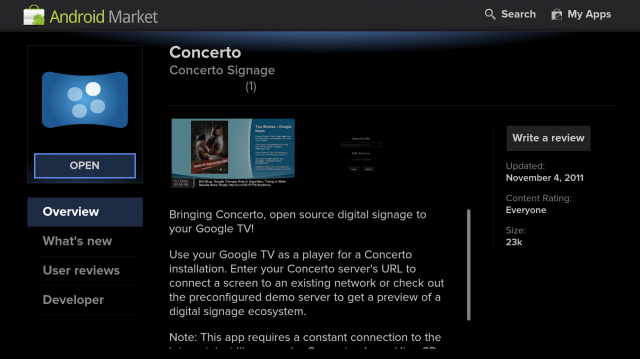
The Fall update to the Google TV brought the Android Market to Google TV devices, allowing developers to write and publish applications for some digital-signage sized screens.  If you’re looking to run some digital signage on your Google TV you’re in luck, you can find a Concerto app in the Market today!

Concerto on the Android Market

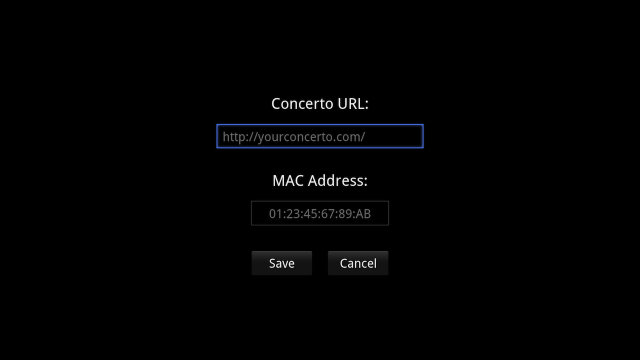
Concerto for the Google TV lets you configure and connect to a Concerto server, letting you specify a server URL and customize a MAC address as needed.  If you’re interested in tweaking your server slightly, the device will also pass the current screen width and height as parameters in the initial URL.  If you’re having trouble sizing the screen manually like traditional Concerto v1 screens, you can use these to automatically set the size of the screen so content will render appropriately.

Don’t have a Concerto server but still want to check out a Concerto player?  The app comes pre-configured to connect to automagically connect to a demo server and pull in some dynamic content  keeping the information fresh.

The source code for the application is available on GitHub, and I encourage you to report any issues you run into.

Customize the URL and MAC address for Concerto on the Google TV

Welcome to the Concerto Blog!

We have relaunched the home site of the Concerto Digital Signage Project, http://www.concerto-signage.org, on a new server and new content management application.  This relaunch will allow us to keep the site better updated with information about the first version of Concerto and the forthcoming sequel, Concerto 2.

In addition, we’ve added a real blog for the Concerto Project, which you’re now reading.  As a team, we want to keep you updated with the latest happenings in the world of Concerto, and this blog will be the destination for posts about many kinds of topics relevant to the project: development updates, the digital signage landscape, how Concerto is being used around the world, and updates from the Concerto community at large.  We want the blog to be a gathering place for all of us.  I’m sure the future will be very exciting!

Those of us writing for the blog will do our best to keep it updated regularly.  We urge you to hit up the comments section and get involved!